Your starting point
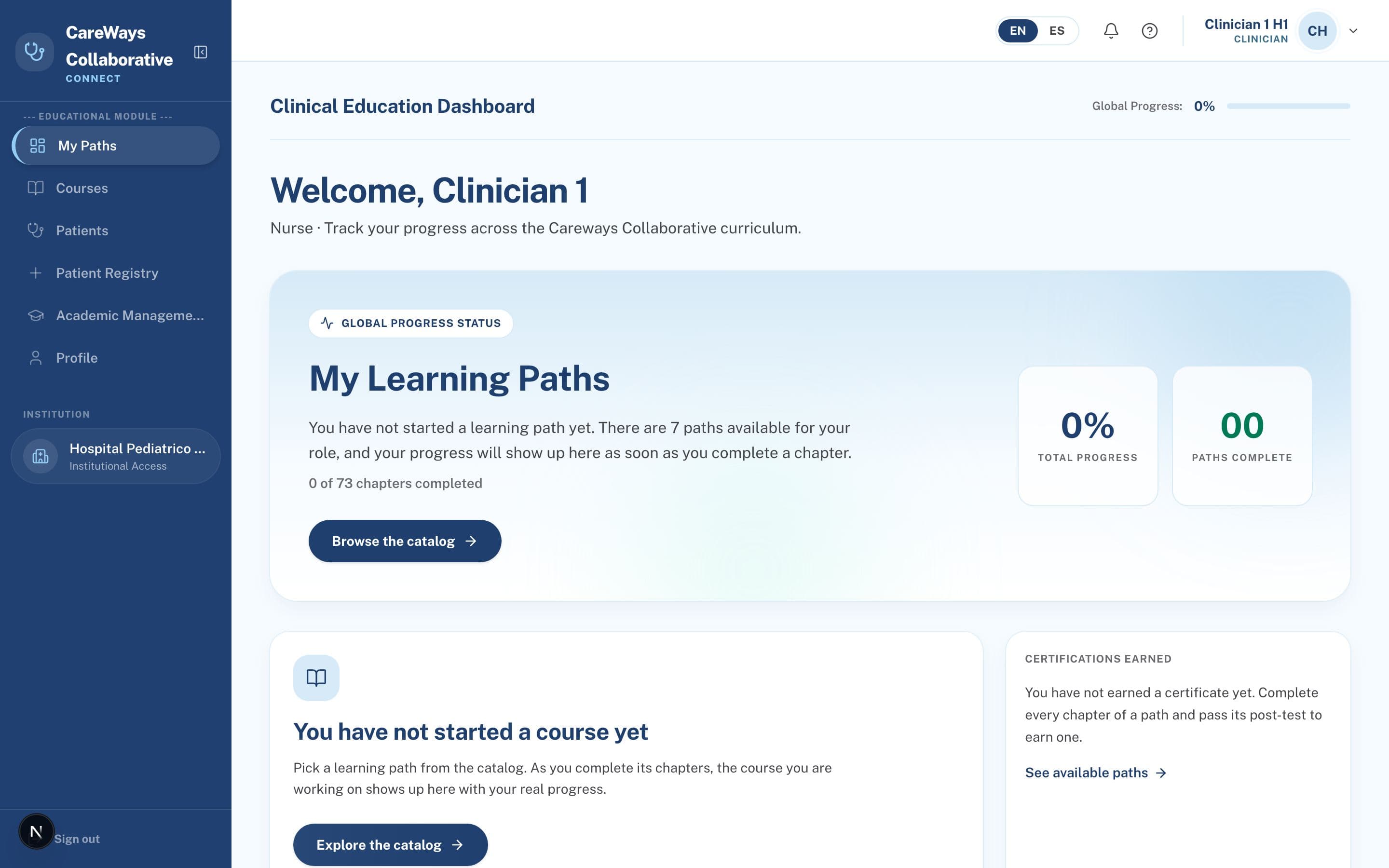
When you sign in you land on a panel tailored to your role: progress, shortcuts and what is pending.
Step 1 of 3
User manual
An interactive, role-based guide with real screenshots of the platform: what you can do, where each module lives and how to get the most out of it.
Browse the manual by role
Every profile sees the platform differently. Pick a role to read its guide; yours is highlighted.
Clinicians go through the full curriculum: certifying courses, telesimulations and a practice patient registry to train without touching real data.
Getting started
Clinical staff join through the institutional whitelist: your email domain must be authorized by your institution.
Create your account
From the home page choose Sign Up and fill in your name, institutional email, phone, profession and specialty. Accept the consent and the terms of use.
Verify your email
You will receive a one-time OTP code. Entering it confirms your email and activates your account right away.
Start learning
Once your email is verified you can sign in and enroll in courses. Your institution's champion can later link you to your ICU and adjust your role from their panel.
Tune your profile
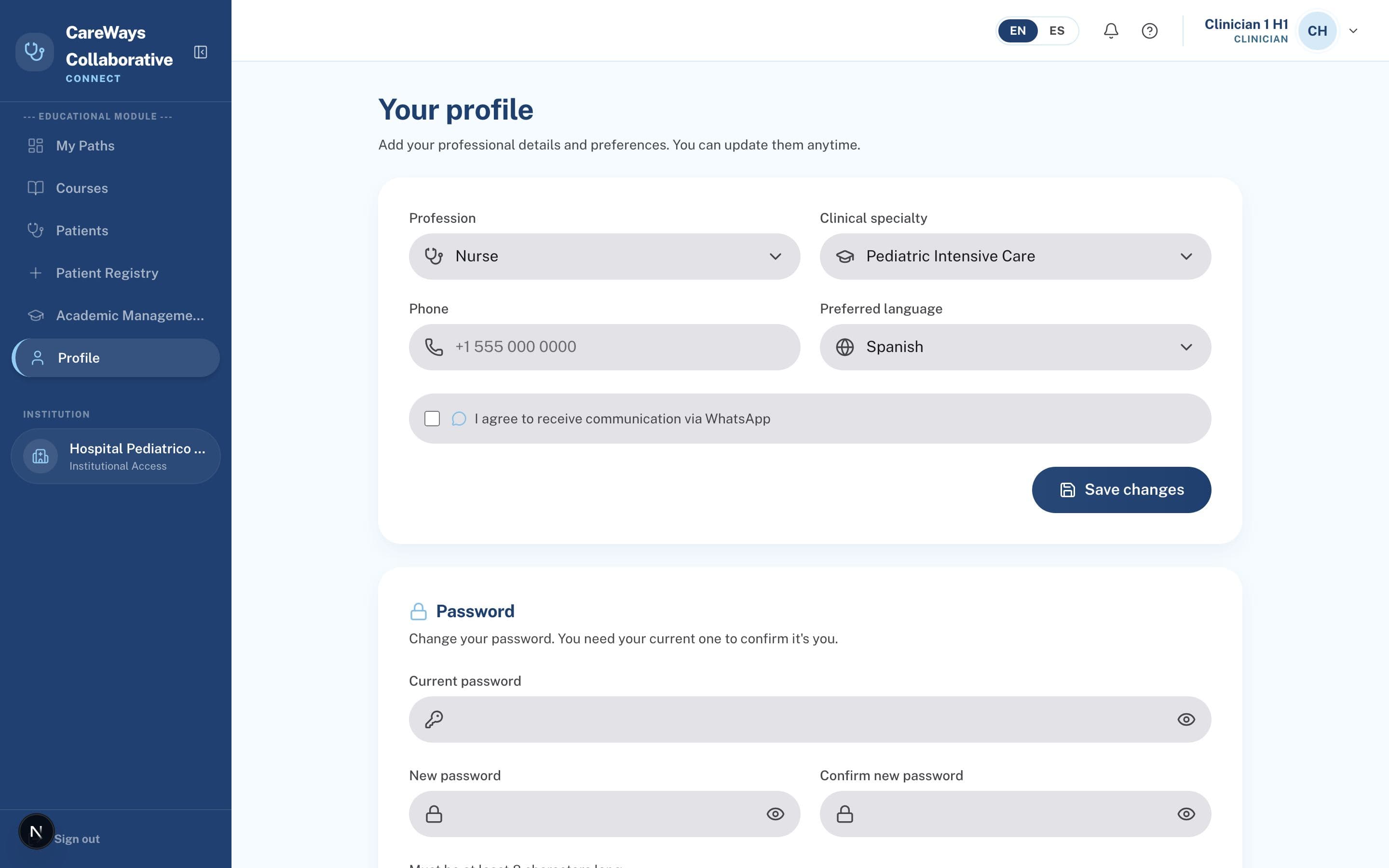
From Profile set your language (EN/ES/PT), your phone with country code and your specialty. All content and emails follow the language you choose.
When you sign in you land on a panel tailored to your role: progress, shortcuts and what is pending.
Step 1 of 3
The catalog groups the program's curricula — introduction, airway surgery, PICU, nursing, speech therapy, anesthesiology, Parent School and community — with your progress up front.
Step 1 of 5
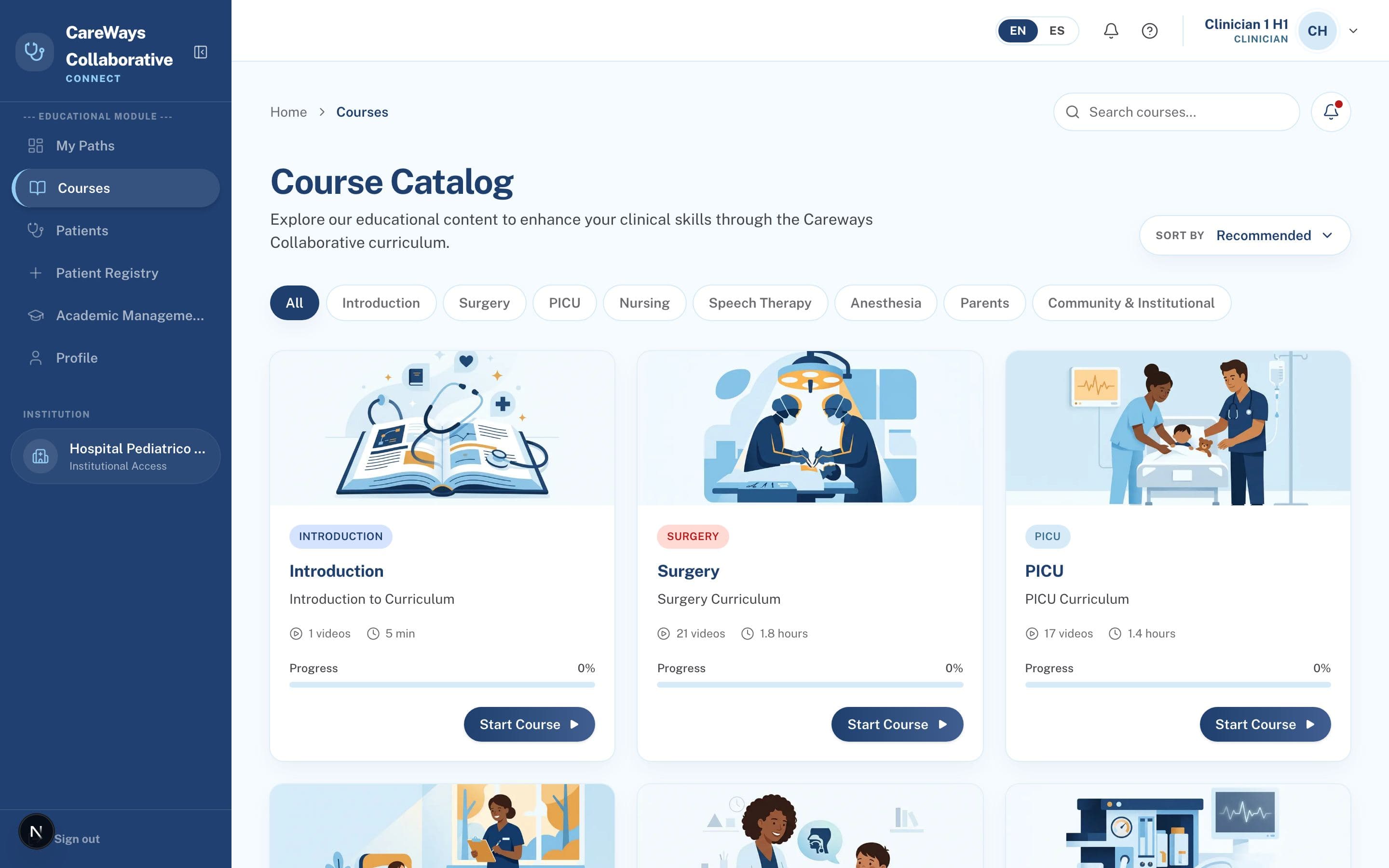
 Filter by curriculum categoryYour progress, on every card
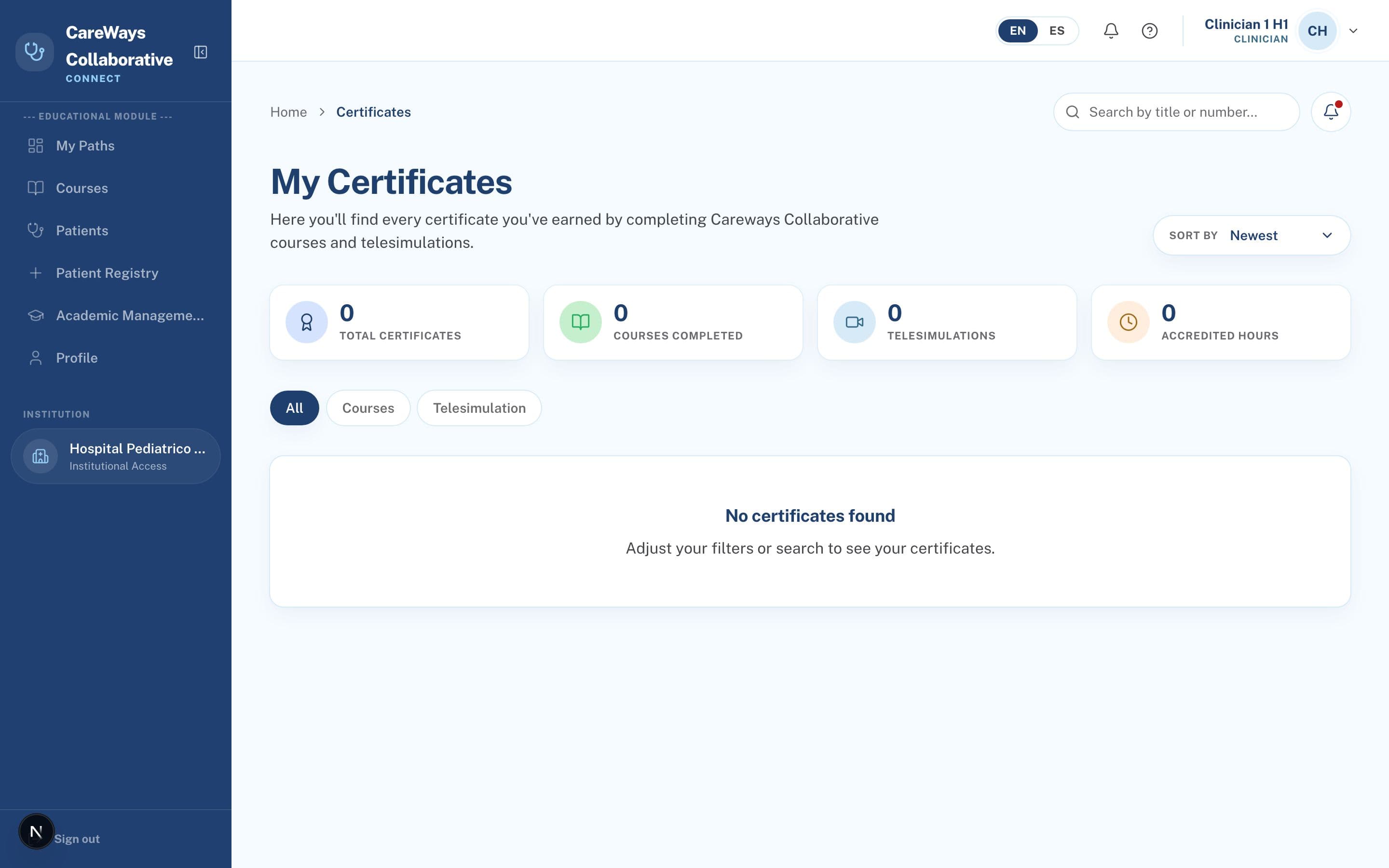
Every passed course and certified telesimulation lands here, with its validity and verification code.
Step 1 of 3
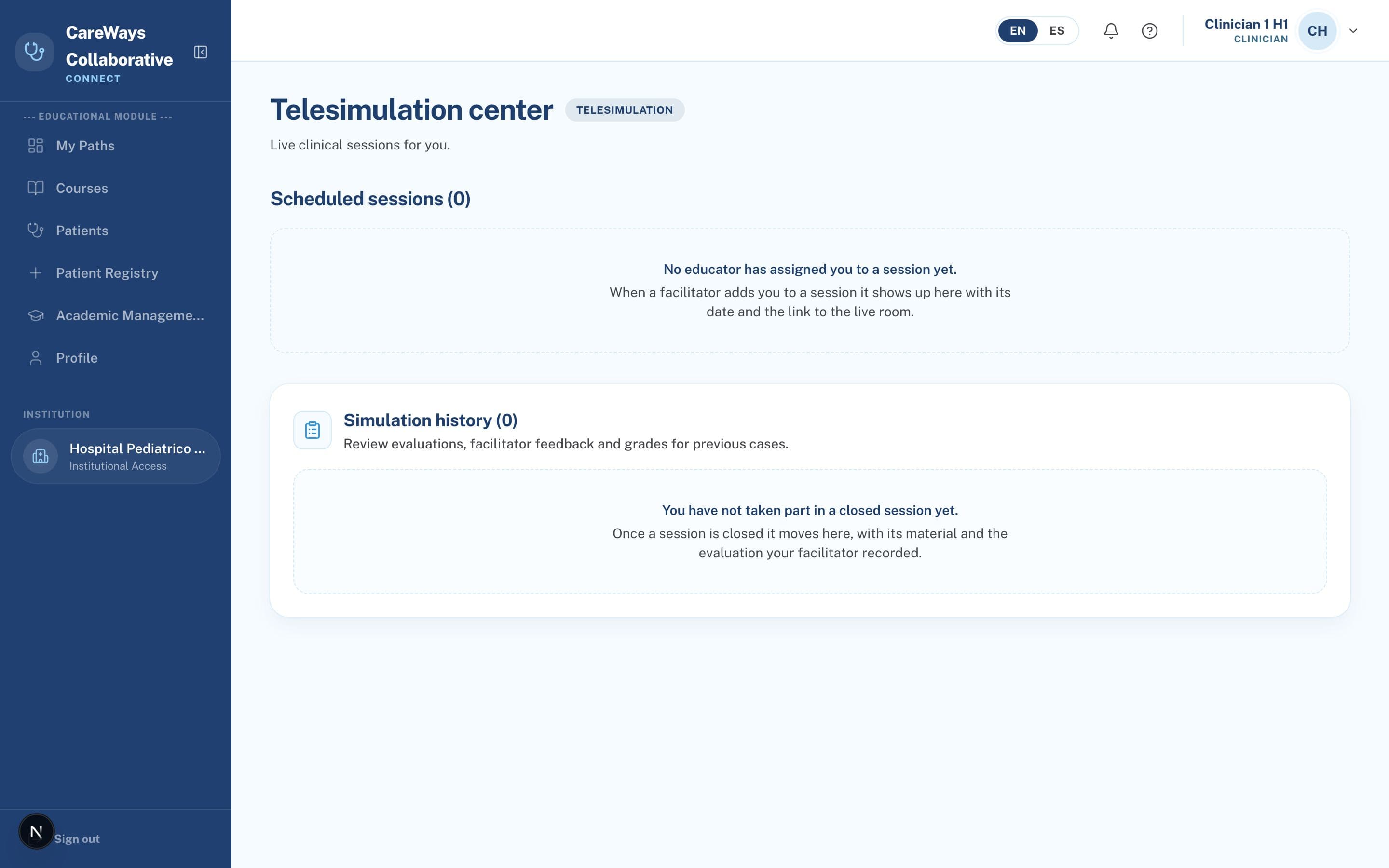
Live sessions over clinical scenarios — sepsis, trauma, respiratory failure, difficult airway — led by an educator.
Step 1 of 4
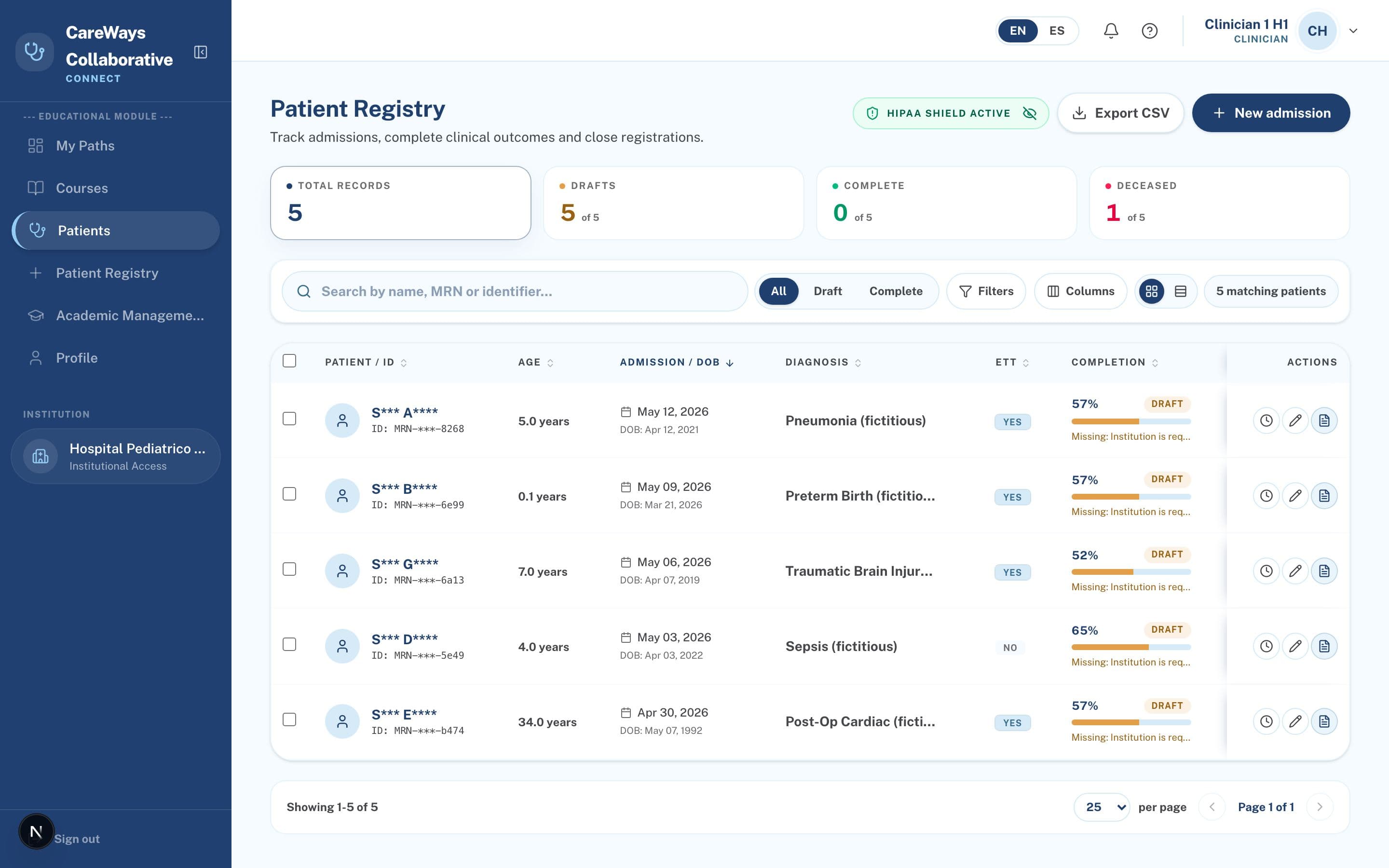
A patient registry identical to the real one, but with practice data: train on the full form without touching sensitive information.
Step 1 of 4
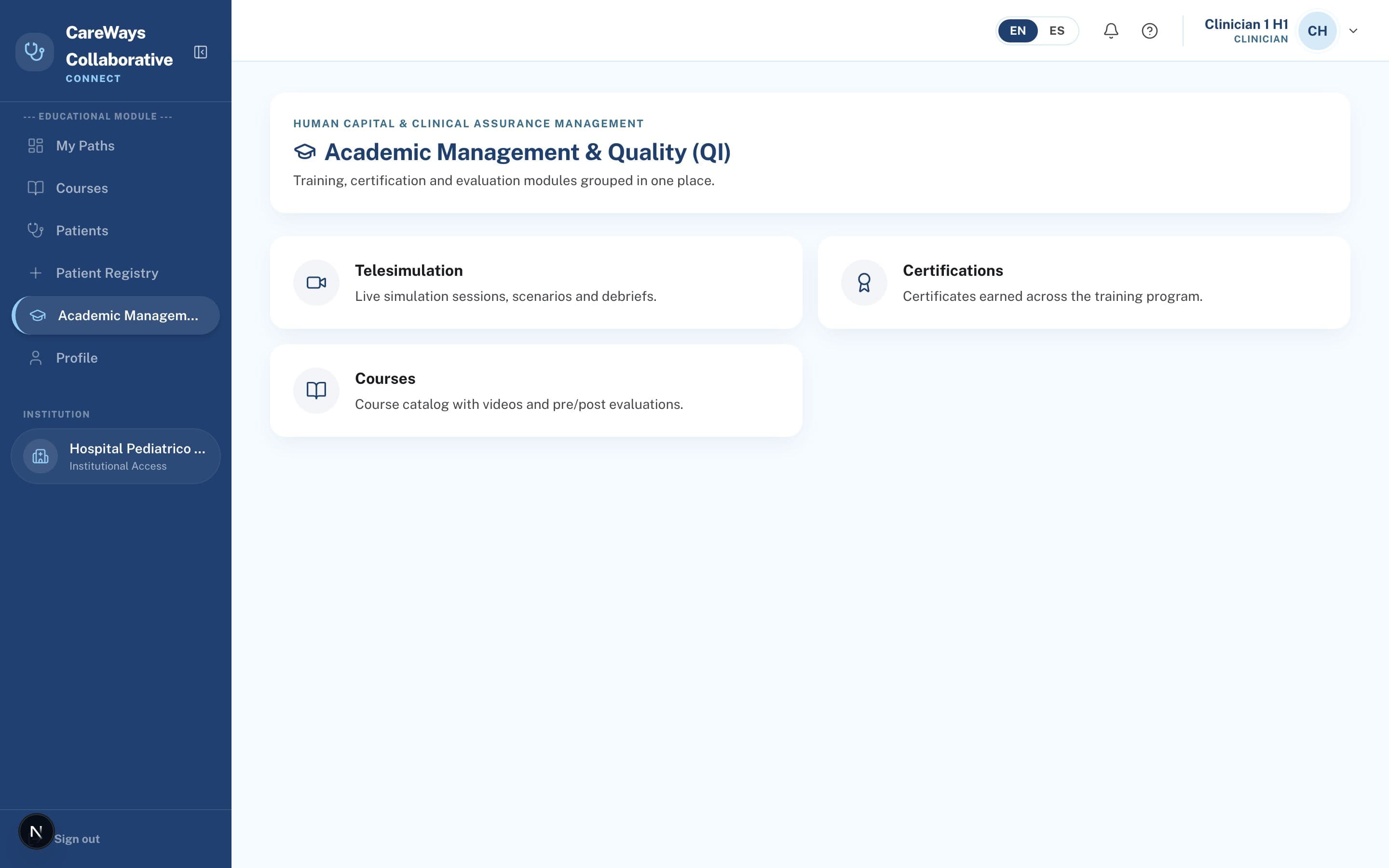
The hub that gathers the academic side: telesimulation, certifications, courses and evaluation, each one card away.
Step 1 of 2
Your account, your language and your security live in Profile.
Step 1 of 3
Capabilities
Generated from the platform's real permission matrix; when a permission changes, this list follows.
FAQ
Check that your email domain is on your institution's whitelist. If it persists, request a resend (there is a cap per time window) or contact your champion.
No: the anti-fraud policy requires consuming 90% of the actual content to mark a chapter as complete, and the bar cannot be skipped forward.
Each course defines its number of attempts. Once you run out, the platform suggests reviewing your weak chapters before enabling a new attempt.
No. Under the HIPAA policy only deactivation is allowed: the record persists in the audit trail.
Accept the invitation that arrives by email. The platform verifies your theoretical prerequisite is at 100%; if you are missing it, it suggests the path to complete it.
No. The parent/caregiver profile only accesses the Parent School and its resources; clinical data stays out of reach.
Glossary
The terms you'll find across the platform.